

Hexnode gateway
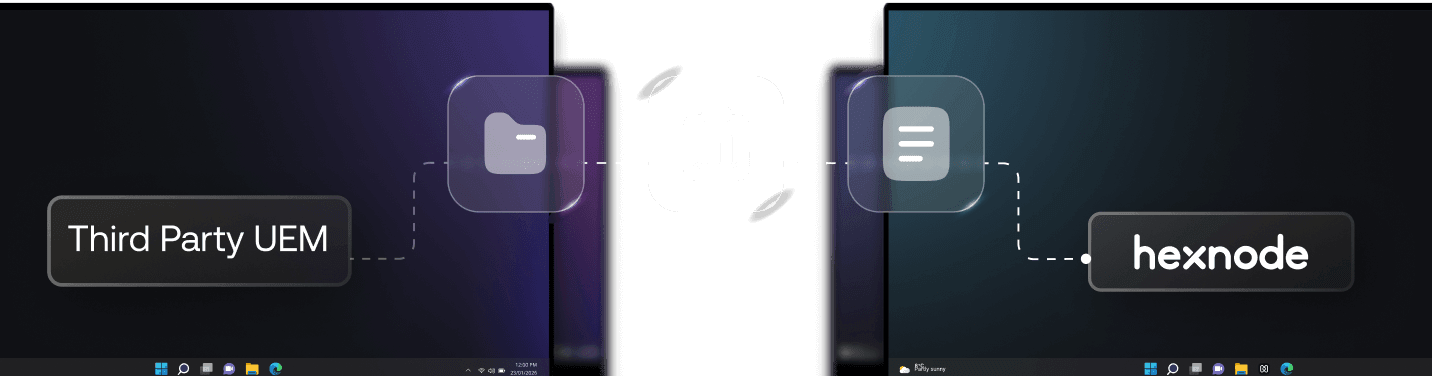
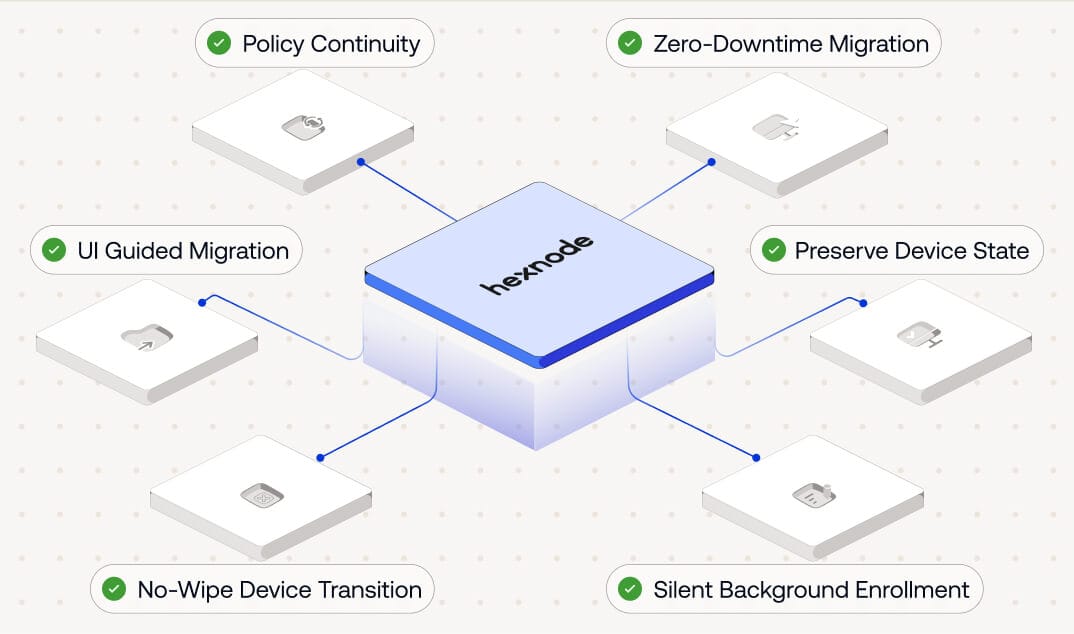
Swift, secure, seamlessmigration to Hexnode

Loved by all. Recognized by the best.













Three steps to Hexnode

Step 1
Configure
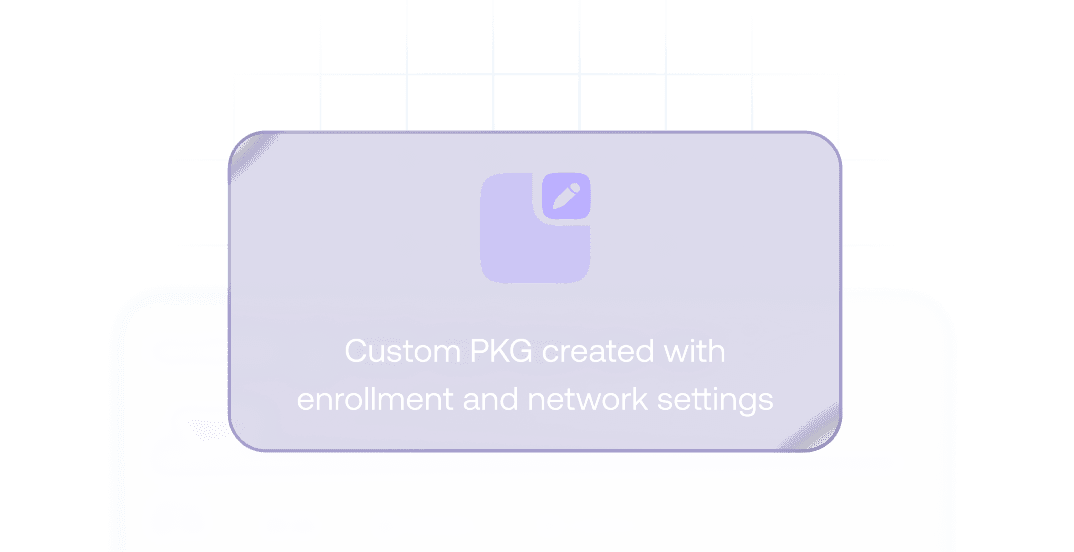
Create a custom Hexnode Gateway (PKG) right from the Hexnode console. Customization ranges from full-screen kiosk mode to adding WiFi and VPN configurations.

Step 2
Distribute
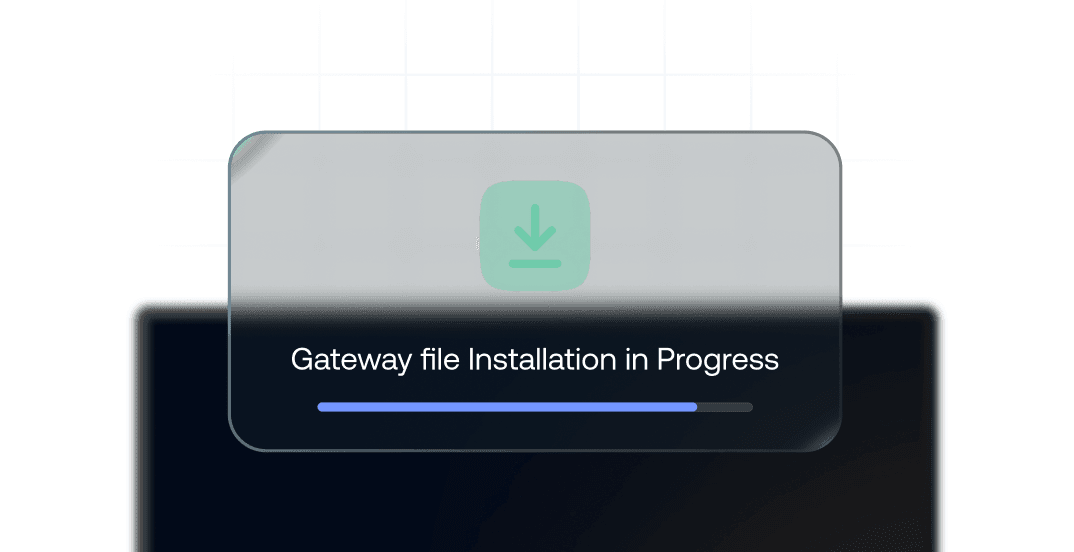
Distribute the custom Hexnode Gateway file to end-user devices and ensure that it's downloaded and ready to go.

Step 3
Migrate
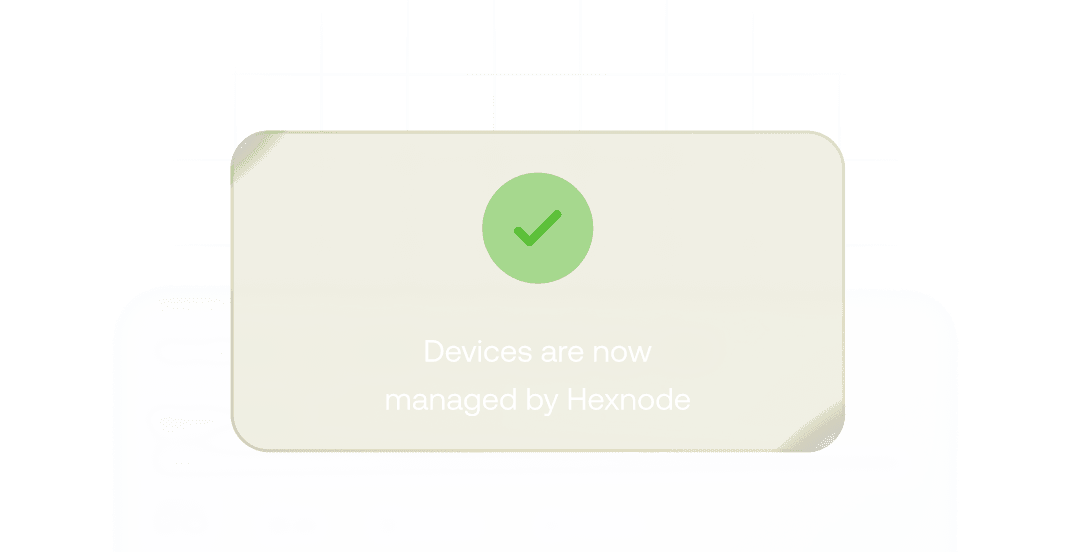
Initiate migration based on configurations set in the first step. Migration can depend on the enrollment method, and it can also be automated with the Hexnode Gateway.
See why enterprises around the world chose Hexnode

"By using Hexnode, the productivity and time savings have been very big. The time spent actually deploying a device has gone down. It used to take us about 20 minutes now it just takes us about 10."
Technology Solution Specialist








... and then we found Hexnode and it checked all of the boxes
Information Technology Manager,

























14 day free trial
No credit card