


Loved by all. Recognized by the best.

Hexnode is listed as a leader and a major player in IDC MarketScape UEM Vendors Assessment Reports 2024.

Hexnode was recognized in the 2025 Gartner® Market Guide for Unified Endpoint Management Tools.

Forrester includes Hexnode as a Notable vendor in The Unified Endpoint Management Landscape, Q3 2025.
Centrally manage your Linux ecosystem
Linux Device Management with Hexnode extends to all devices running distributions derived from Fedora and Debian on a single console.
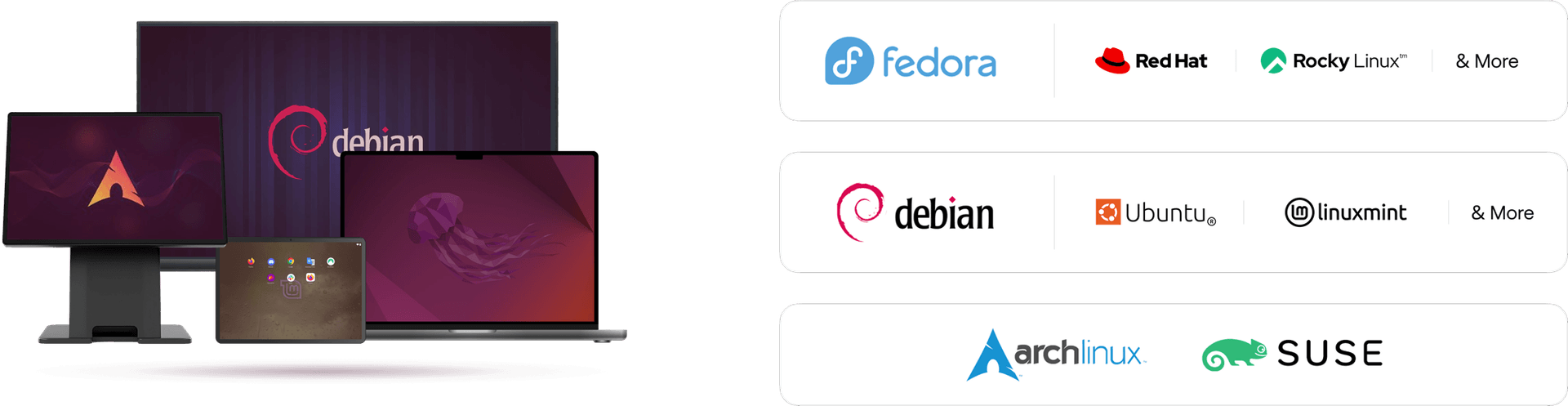

Streamline Linux devices with an all-in-one solution
Simplify enrollment, enhance security and ensure complete visibility from one unified platform.

Enrollment made easy
Easily set up pre-approved enrollments, automate them with scripts, and assign the preferred device ownership.

Secured digital workspace
Secure data with robust passwords and certificates, prevent threats with browser filters and restrict data transfers.

Real-time monitoring
Gain complete visibility into all endpoints, track compliance and access custom insights on devices, users and more.

User-friendly Management
Authenticate easily with Single-Sign-On, manage user accounts, add or remove them and create user groups based on functionalities.
Manage all around
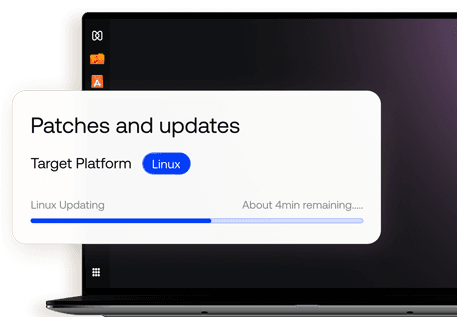
Patch Management
Reduce vulnerabilities by deploying critical updates and patches automatically

Automate patch deployment
Configure update sequence
Selective reboot after update
Configure success criteria
Kiosk Management
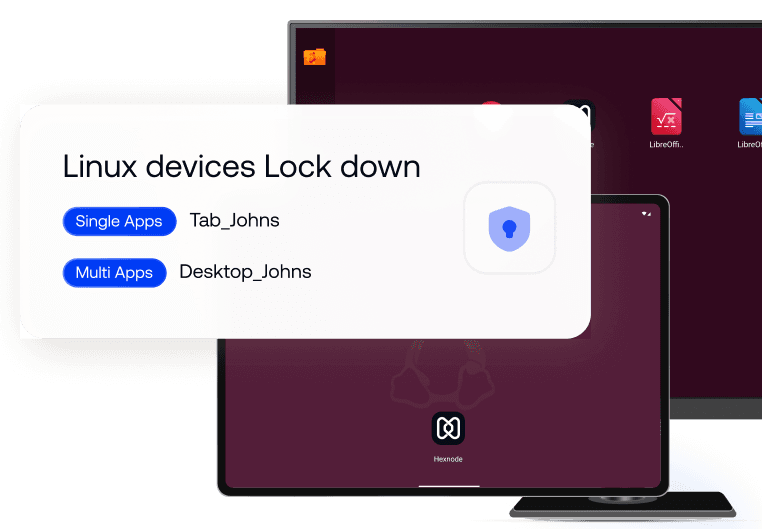
Lock down Linux devices into a purpose driven environment by restricting it to needed apps
Single app or multi app kiosk modes
Add or remove apps in a click
User specific kiosk setup
Setup auto login
Remote Management
Manage devices remotely to keep a check, assist, debug or resolve persisting issues
Instantly configure devices with policies
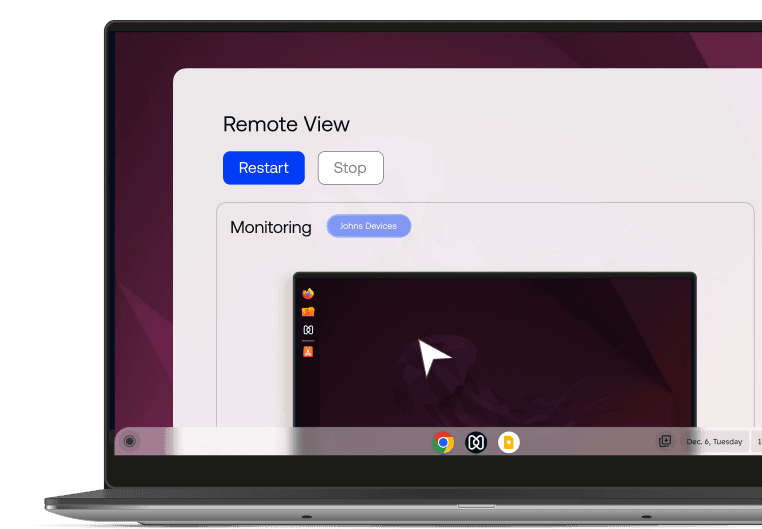
View screens in real-time
Establish remote control sessions
Access CLI for system commands
App Management
Equip right teams with the right apps. Deploy them, manage their use and automate updates
Filter apps with allowlist/blocklist
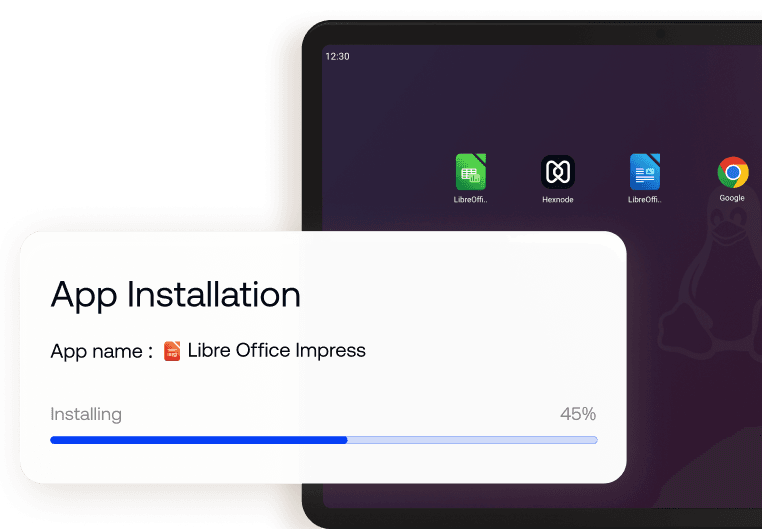
Enforce app installations with required apps
Add app packages from Debian or Fedora
Remotely uninstall managed apps

See why enterprises around the world chose Hexnode

"By using Hexnode, the productivity and time savings have been very big. The time spent actually deploying a device has gone down. It used to take us about 20 minutes now it just takes us about 10."
Technology Solution Specialist







... and then we found Hexnode and it checked all of the boxes
Information Technology Manager,